


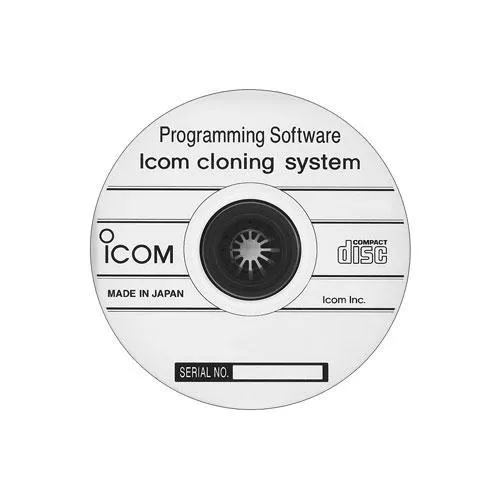
ICOM IP501H programming software CSIP501H
Description
PC-Based Radio Configuration
CS-IP501H provides a computer interface for reading the existing configuration from an IP501H or IP503H, editing supported parameters, and writing the updated settings back to the radio. Configurations can also be saved as files for recordkeeping or reuse with other compatible radios.
This is useful when managing:
- Multiple radios assigned to one organization
- Replacement or additional handsets
- Standardized button and operating settings
- Saved configurations for different departments or users
Required Programming Connection
A complete programming connection requires:
- ICOM OPC-478UC cloning cable
- ICOM OPC-2144 plug adapter cable
- Compatible Windows computer with a USB port
The OPC-478UC connects to the computer by USB, while the OPC-2144 adapts the programming cable to the radio’s microphone and speaker jack. The required USB driver must be installed before programming.
Read Before Writing
ICOM recommends reading and saving the radio’s existing settings before making changes. Writing a new configuration without first reading the radio can overwrite its current setup. The radio, cable, and computer should remain powered and connected throughout any read or write operation.
Computer Compatibility
The published ICOM instructions list Windows 7, Windows 8.1, and Windows 10 in both 32-bit and 64-bit versions. These requirements were documented in May 2019, so compatibility with newer operating systems should be confirmed before purchase.
Technical Specifications
Included
- ICOM CS-IP501H Programming Software
Additional
- Product Type: Radio programming software
- Compatible Radios: ICOM IP501H and IP503H
- Administrator access required for installation
- Manufacturer: ICOM
- Model: CS-IP501H
Usage Control Features
- Supported Operating Systems Listed by ICOM:
- Windows 7, 32-bit or 64-bit, Service Pack 1 or later
- Windows 8.1, 32-bit or 64-bit, excluding Windows RT
- Windows 10, 32-bit or 64-bit
Interfaces
- Computer Connection: USB through the required OPC-478UC cloning cable
- Radio Connection: Requires the OPC-2144 plug adapter cable
- Supported USB Ports: USB 1.1 or USB 2.0
