


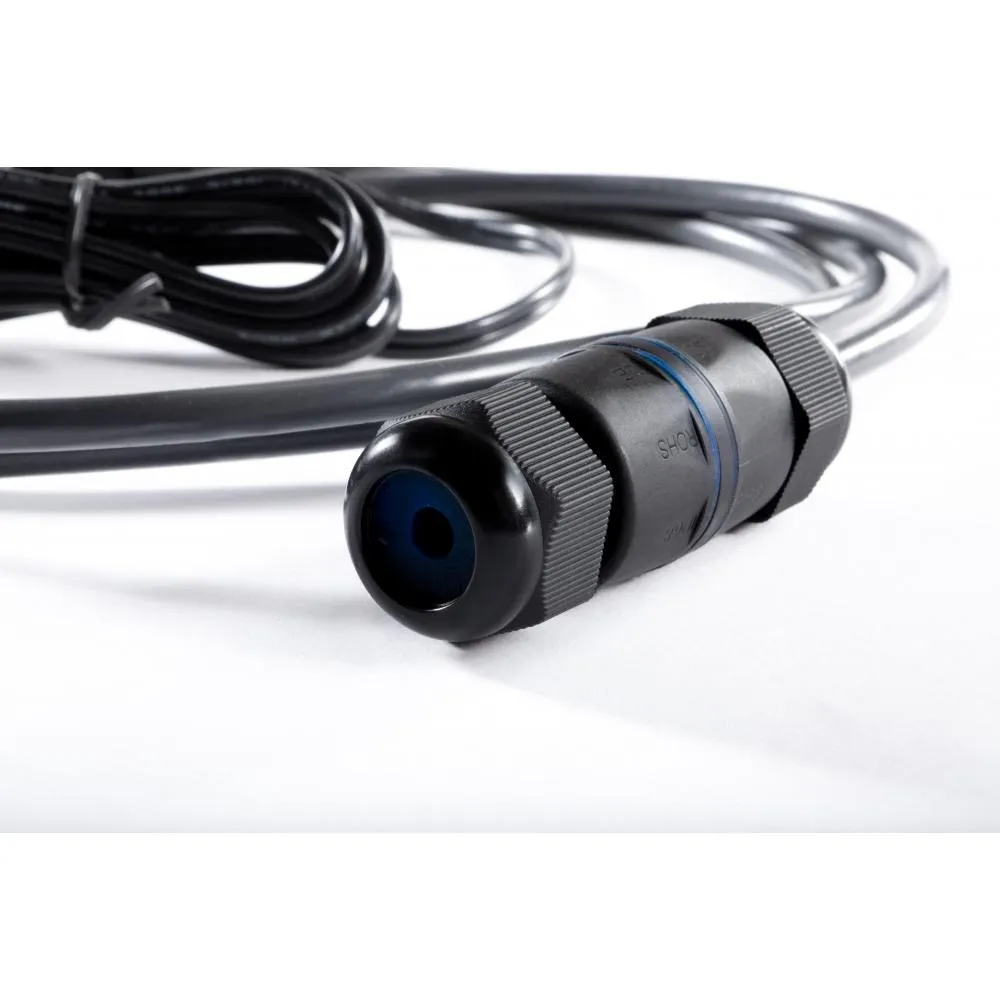
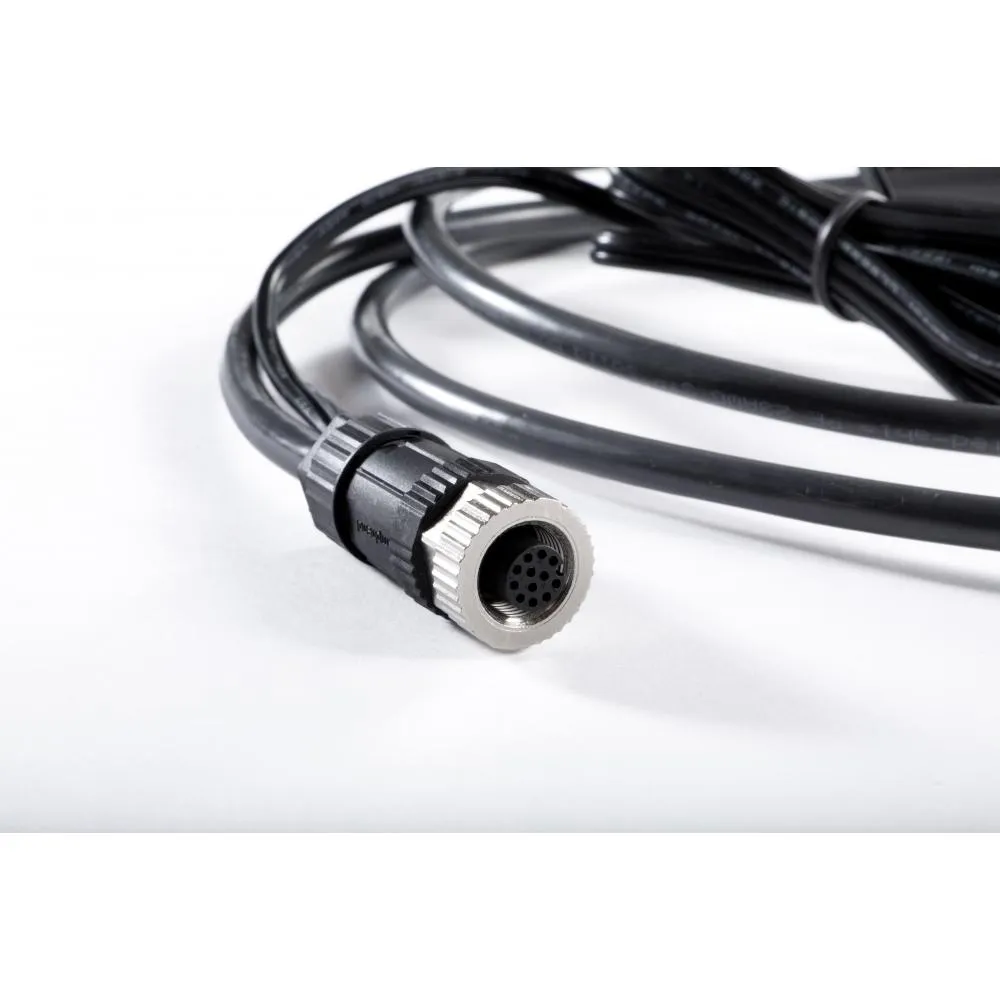
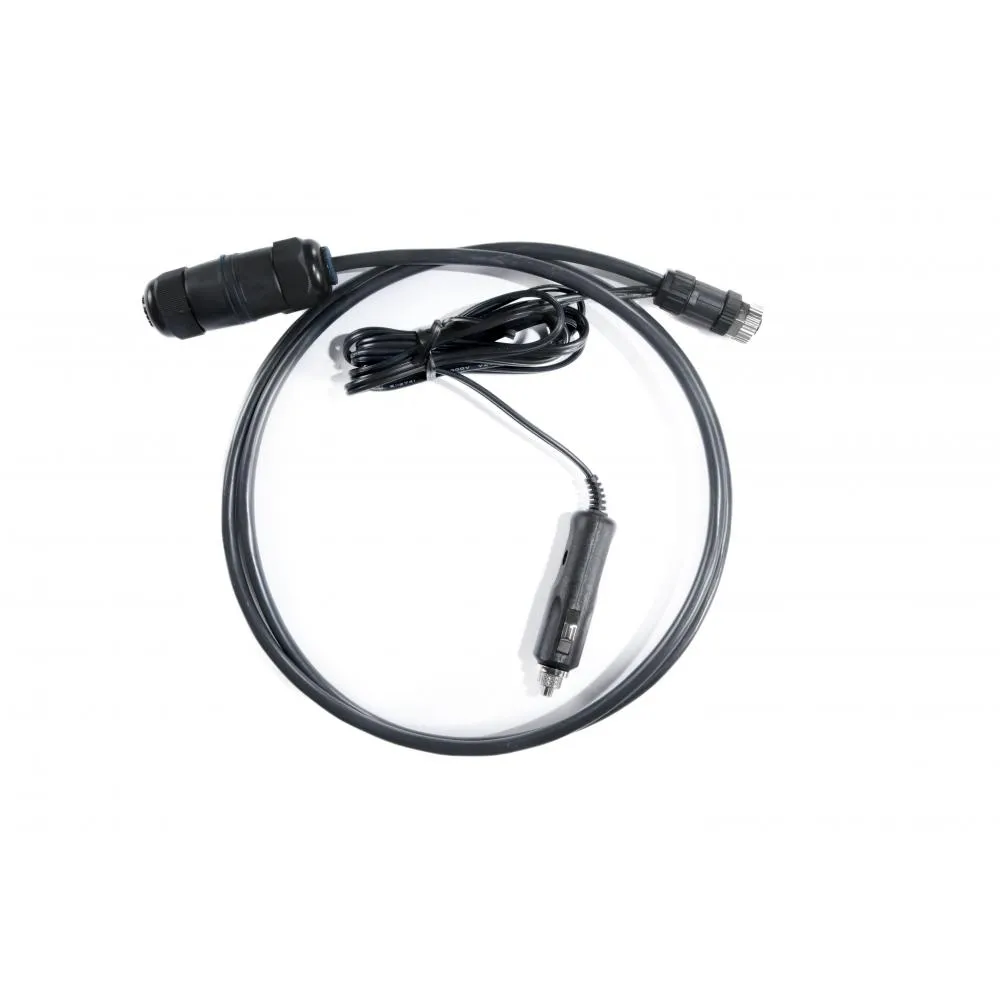
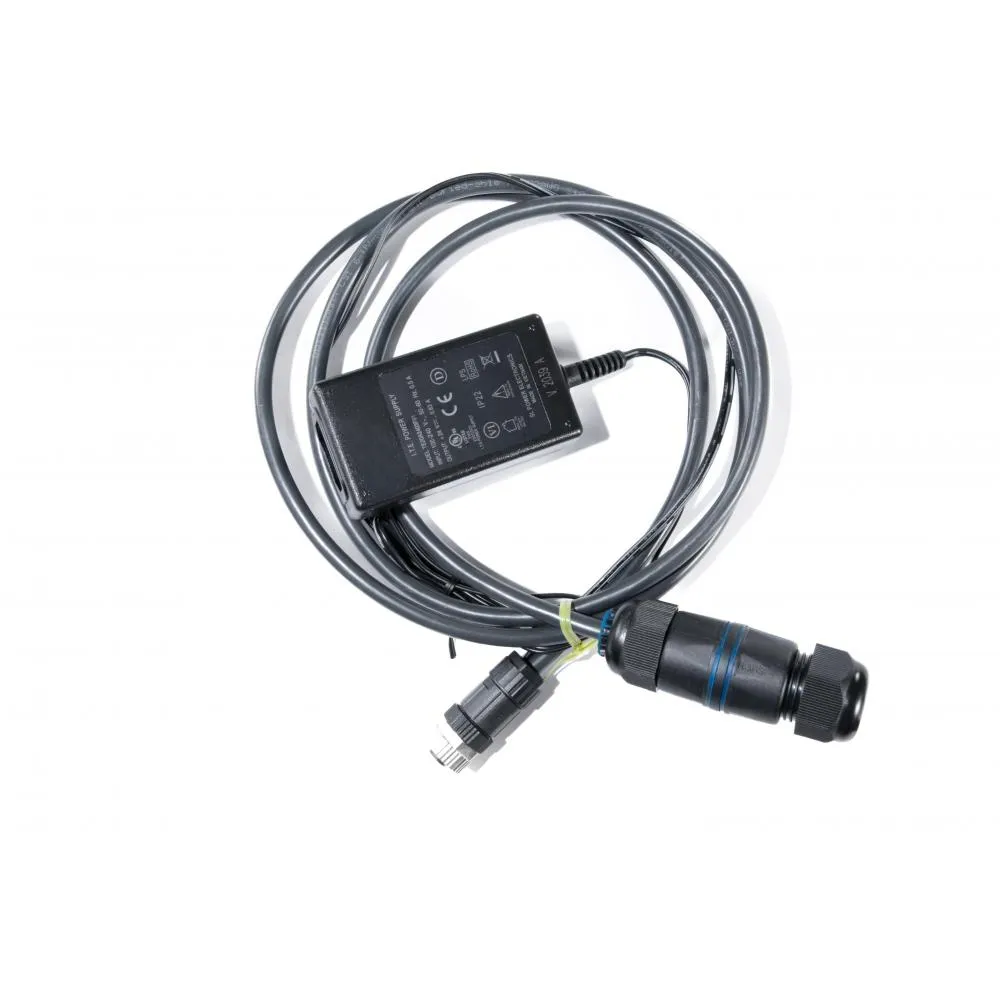
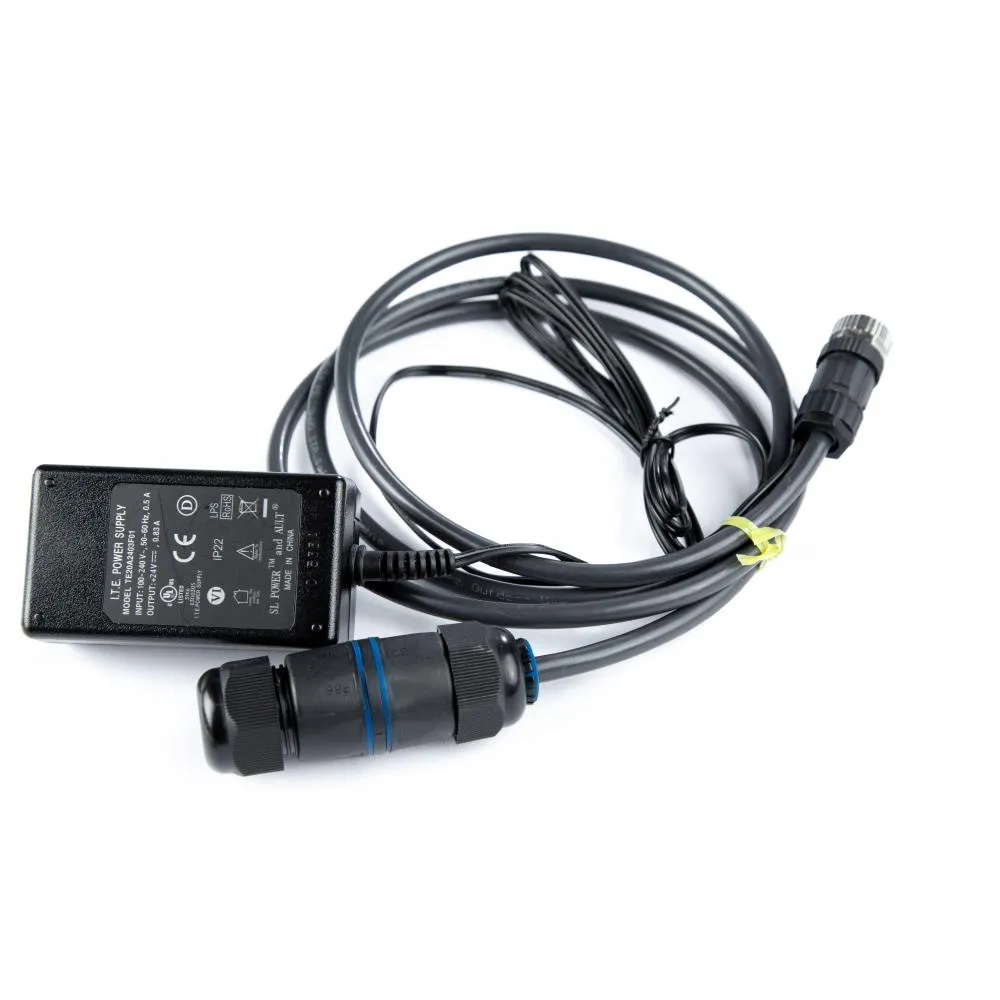
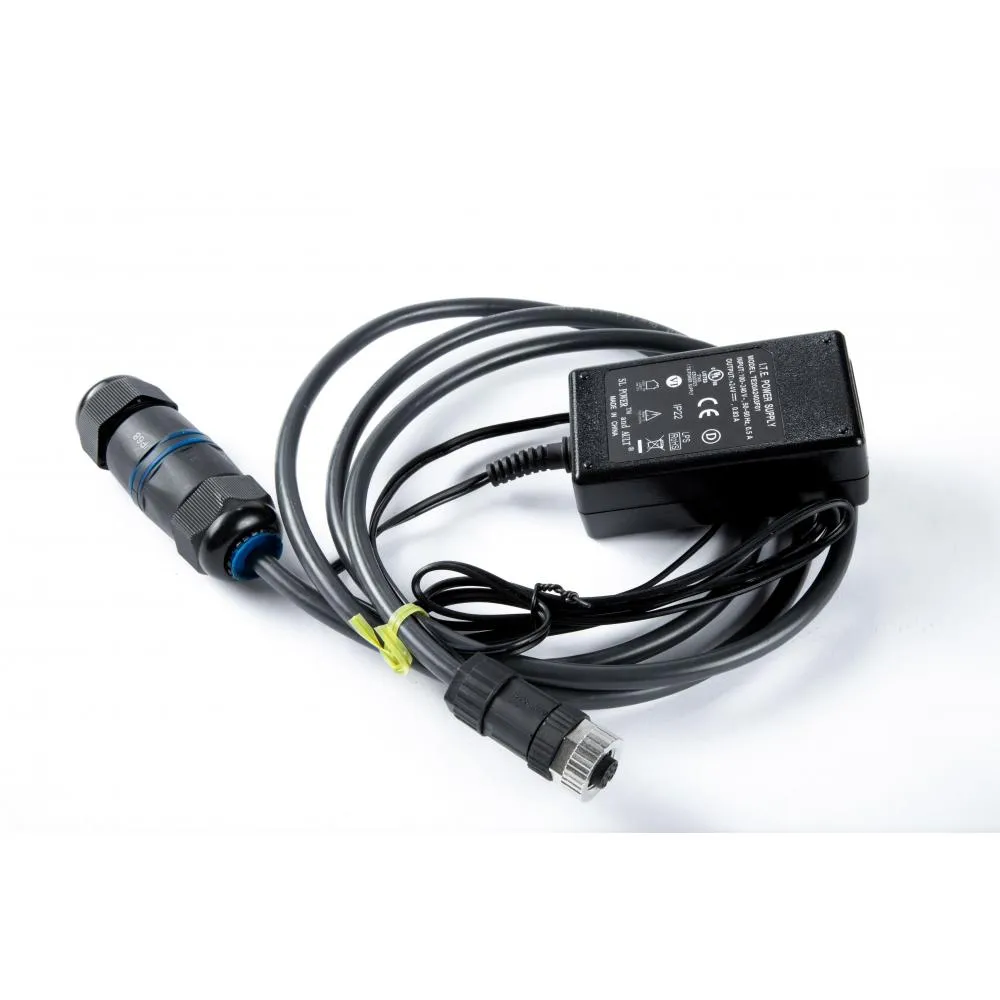
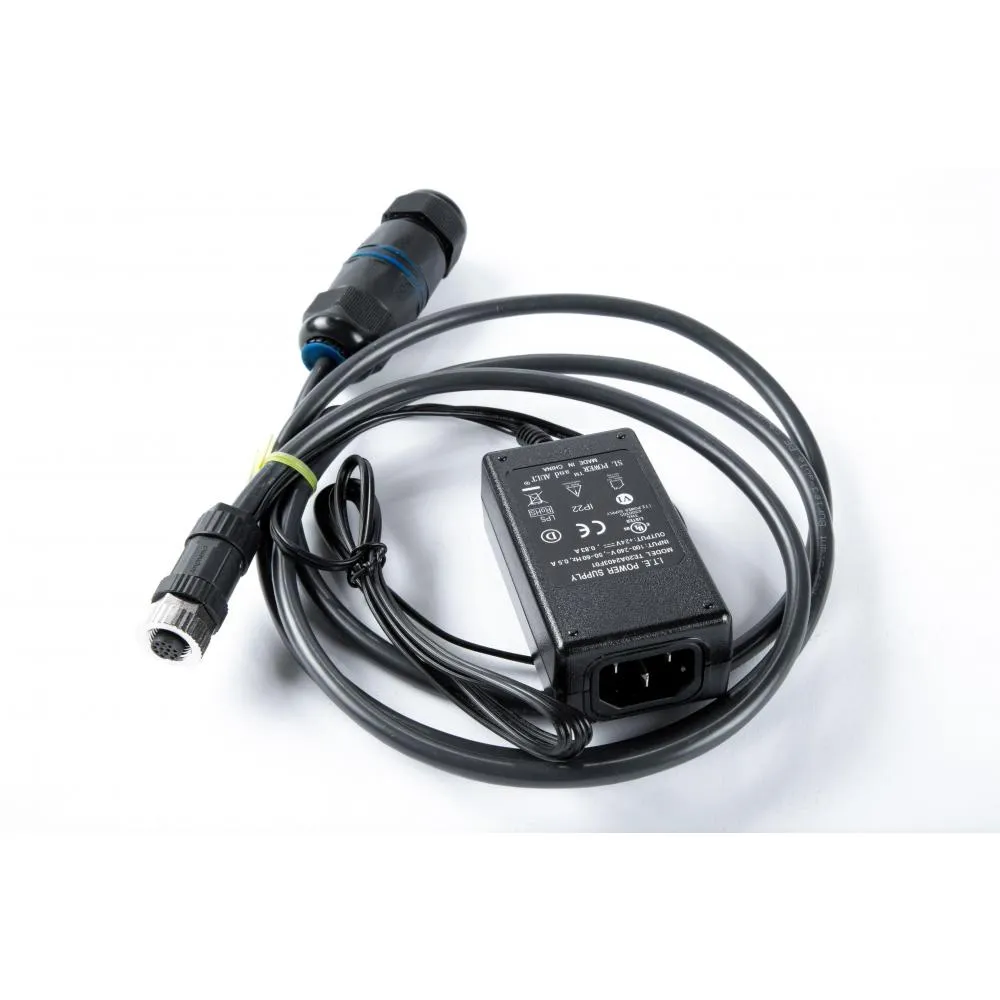
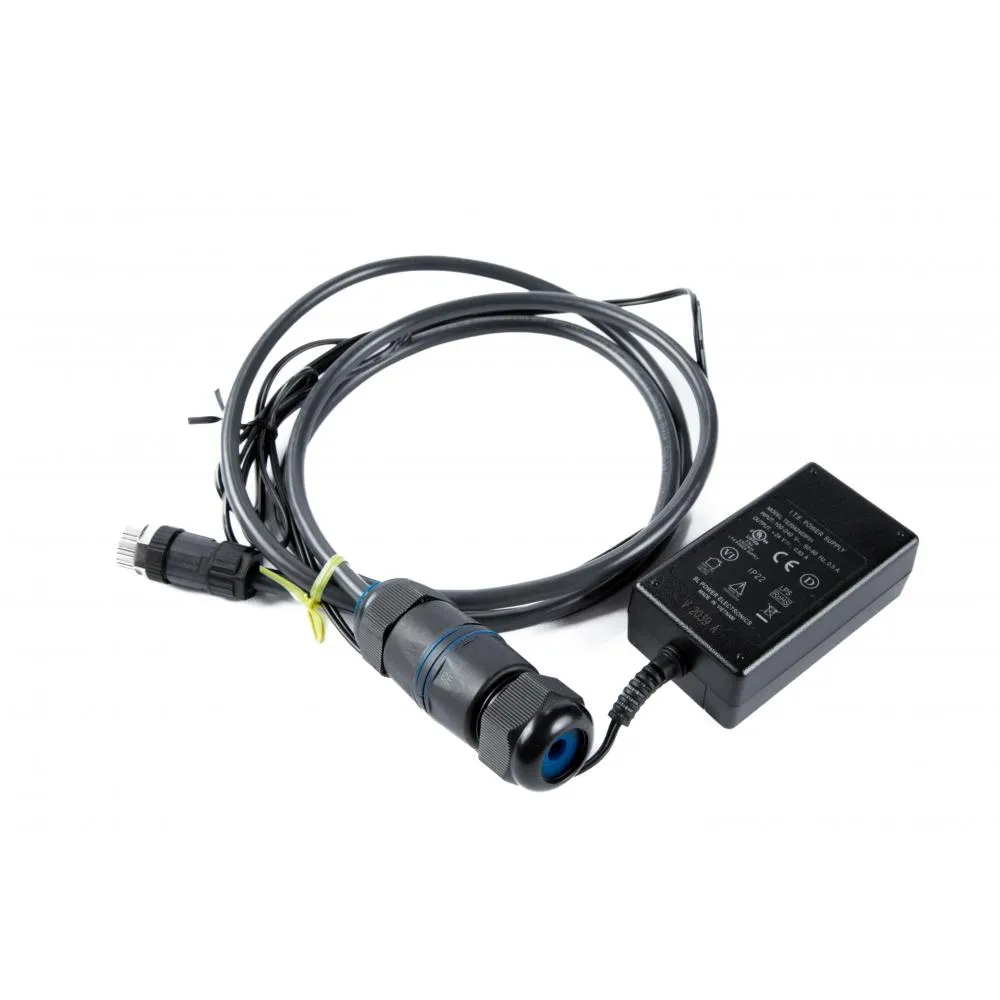
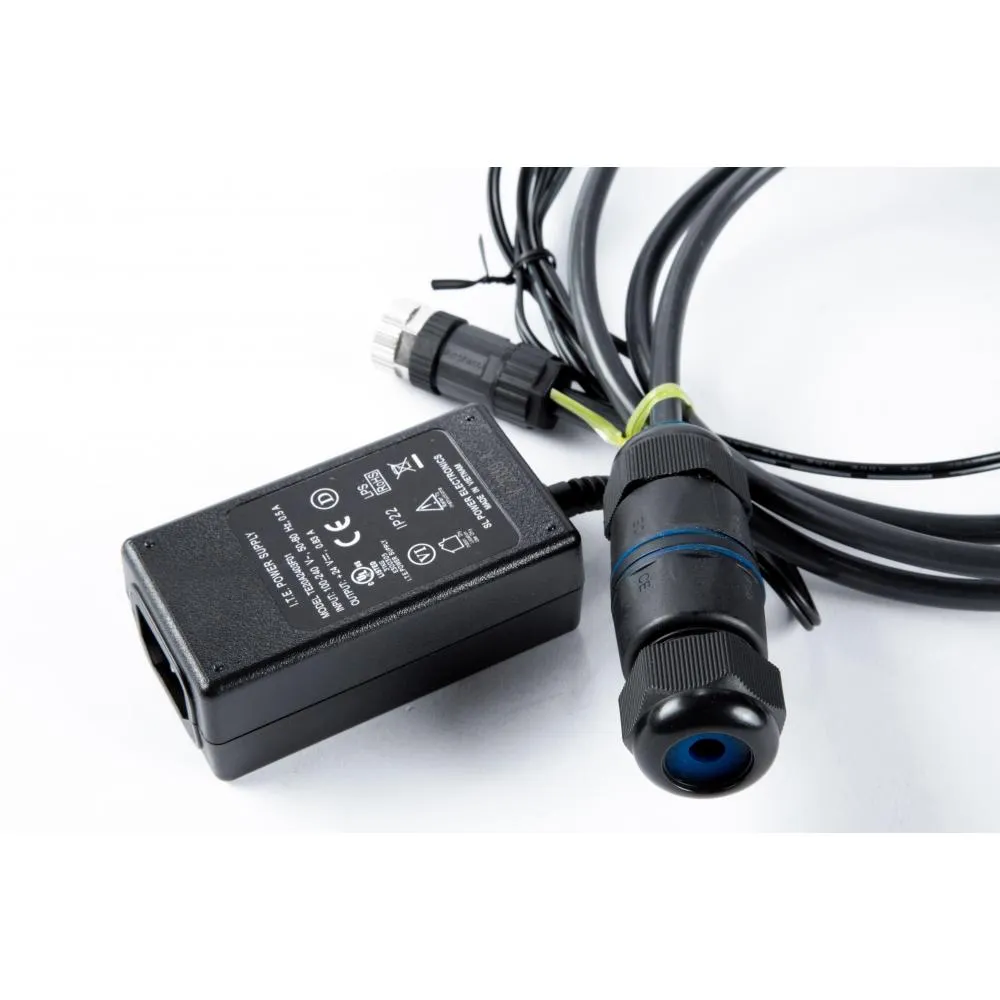
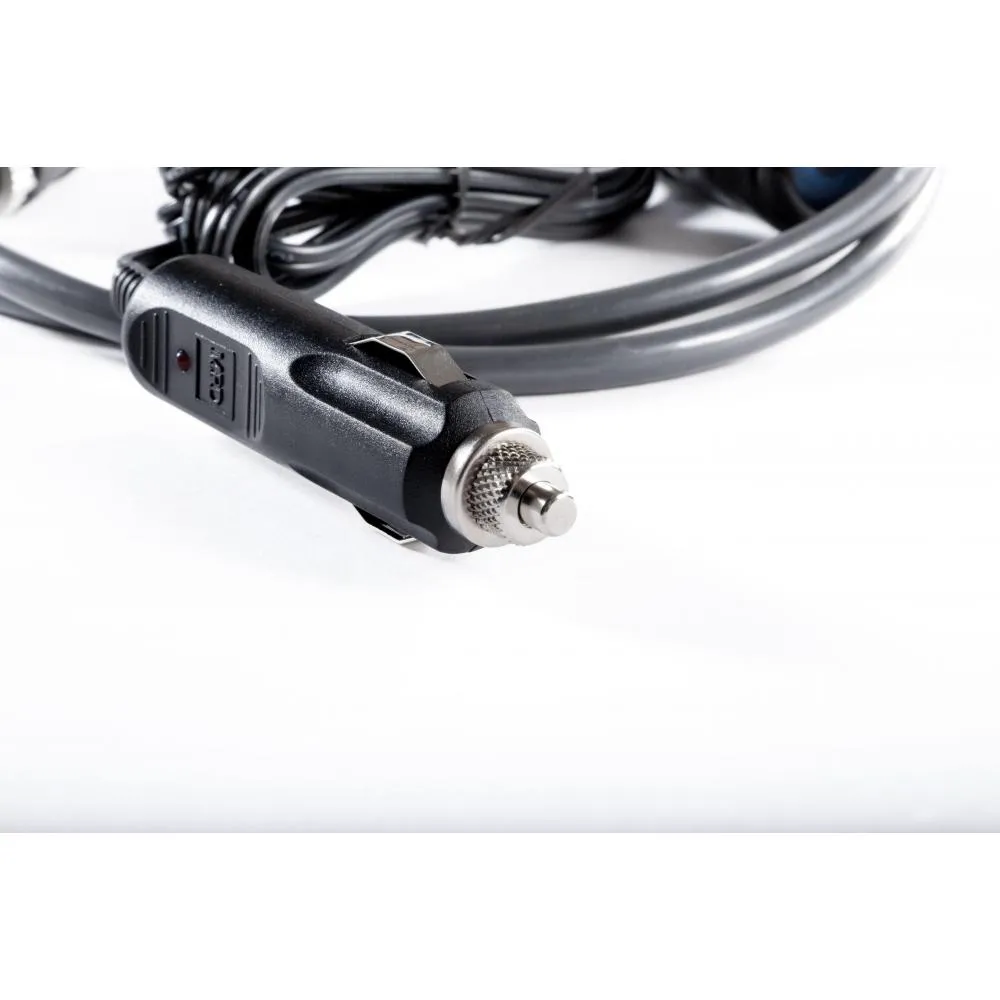
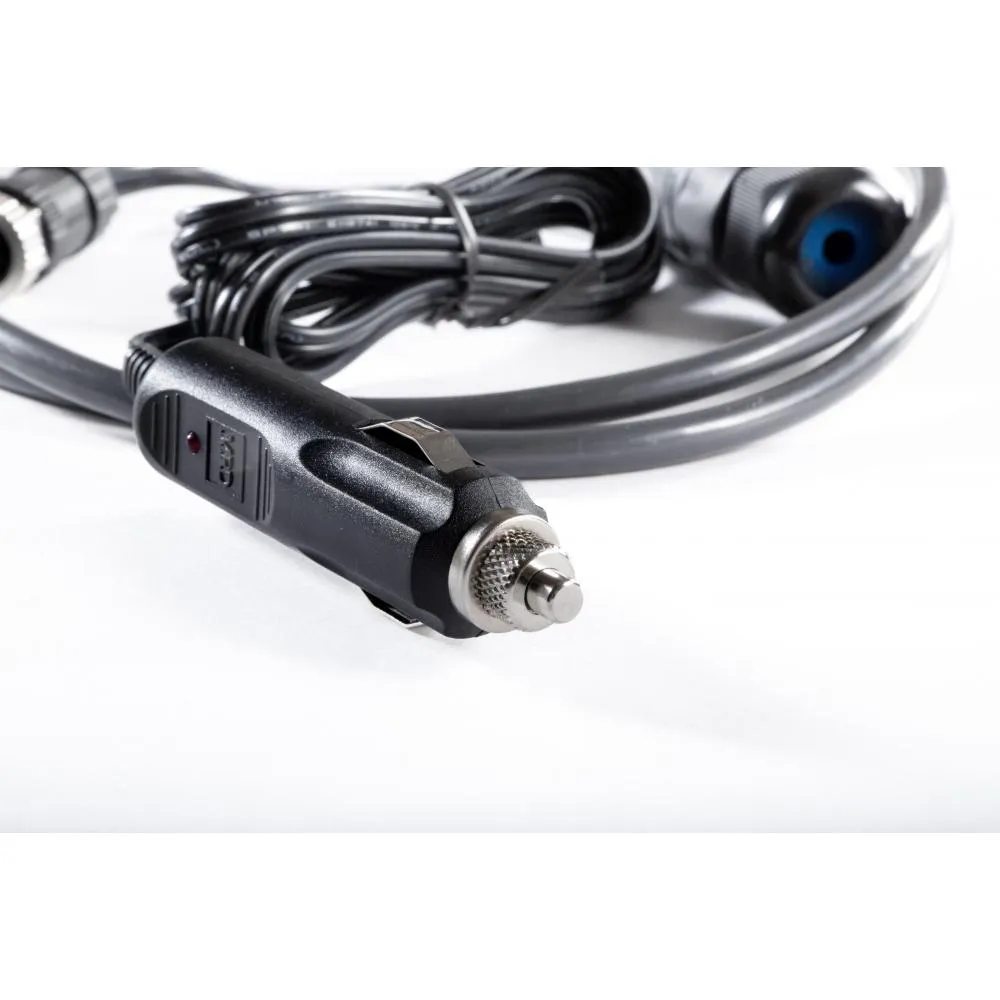
Blue Sky Skylink AC/DC Power Adapter with Ethernet
Description
AC Power for Fixed Installations
The adapter allows a SkyLink terminal to operate from a standard AC electrical outlet. It is a practical alternative to vehicle power or permanent DC hardwiring for indoor and fixed-site deployments.
Common applications include offices, remote facilities, emergency operations centers, temporary field locations, and equipment rooms where the terminal remains close to an AC power source.
Integrated Wired Ethernet Connection
In addition to powering the terminal, the adapter provides an Ethernet connection for compatible network equipment. A wired connection can be used when Wi-Fi is not preferred or when a computer, router, or other device requires a physical network interface.
Once connected, the attached device is automatically assigned network settings through DHCP. The SkyLink management interface can then be accessed from a compatible web browser.
SkyLink Network Access
The adapter does not provide internet service by itself. Network availability depends on the SkyLink terminal, its configuration, installed SIM cards, antenna connection, and active Iridium Certus or cellular service.
The connected Ethernet device can use whichever communication path has been enabled and prioritized through the SkyLink terminal.
Simple Installation
The power connection attaches to the dedicated port on the bottom of the SkyLink terminal, while the Ethernet port connects to nearby network equipment. After AC power is applied, the terminal completes its normal startup sequence before becoming available for use.
Cables should be routed where they will not be crushed, sharply bent, exposed to excessive heat, or pulled from the terminal.
Technical Specifications
Power
- Input source: Standard AC electrical outlet
- Output application: Powering a compatible SkyLink terminal
- Installation type: Indoor or protected fixed-site power connection
Included
- Blue Sky Network SkyLink AC/DC Power Adapter with Ethernet
- AC power cord
- Ethernet connection cable or adapter assembly
Additional
- Product type: AC/DC power and Ethernet adapter
- Manufacturer: Blue Sky Network
- Manufacturer part number: SL100-ACDC-E
- Compatible system: Blue Sky Network SkyLink
- Intended use: Fixed, indoor, or temporary deployments requiring AC power and wired Ethernet
- Satellite or cellular service: Required separately
Interfaces
- Terminal connection: SkyLink power-port connector
- Network connection: Ethernet
- Network configuration: DHCP
- Compatible connected equipment: Computers, routers, switches, and other supported Ethernet devices
