


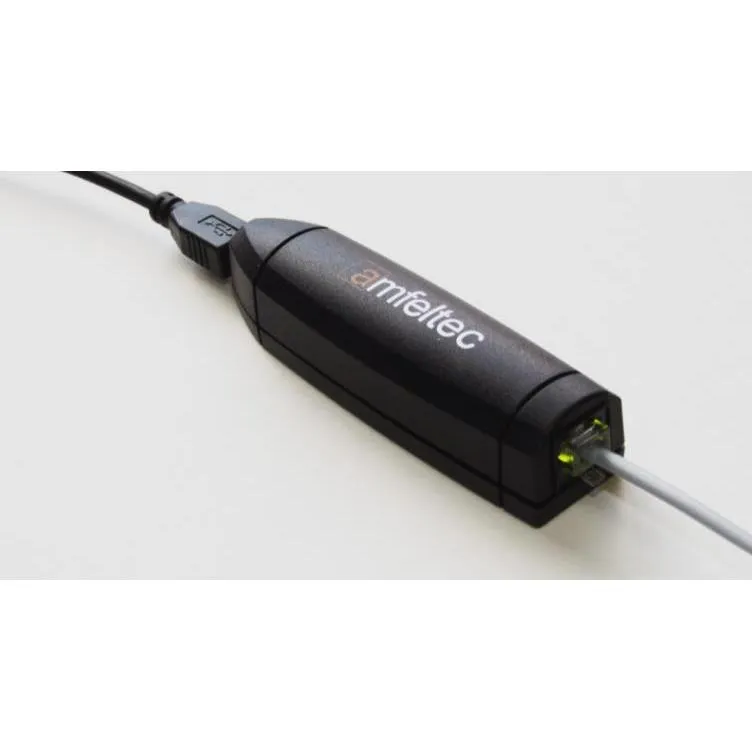
Blue Sky Skylink Dual POTS Adapter
Description
Two Analog Telephone Connections
The Dual POTS Adapter provides two analog telephone interfaces for a SkyLink installation. POTS, or Plain Old Telephone Service, allows compatible traditional telephones to connect to the digital voice services managed by the SkyLink terminal.
This is useful where crew members, staff, or field personnel need a dedicated handset that operates like a conventional telephone.
SkyLink Voice Service
SkyLink supports two phone lines and can route voice calls through its available communication services. Depending on the terminal configuration and active subscriptions, calls may use the Iridium satellite network or a supported cellular connection.
The adapter does not provide telephone service independently. A compatible SkyLink terminal, activated voice service, antennas, and a suitable power source are required.
Configurable Voice Extensions
POTS extensions are configured through the SkyLink Device Interface. Administrators can assign inbound and outbound calling behavior to each extension, including selecting a specific voice line or allowing the system to use any available line.
Correct line assignment is important when return calls must reach the same telephone that placed the original outbound call.
Familiar Handset Operation
Once installed and configured, the adapter allows users to place calls from a compatible analog telephone without opening an application or connecting a smartphone to Wi-Fi. This can simplify voice access in operations rooms, bridge areas, field offices, and shared work locations.
The telephone itself should support standard analog operation and use the appropriate cable and connector for the adapter.
Installation and Setup
The adapter connects to a supported USB interface on the SkyLink terminal and requires configuration within the terminal’s voice-extension settings. SkyLink software supports up to two FXS/FXO USB adapters.
The adapter and telephone should be installed in a protected location, with cables routed away from moisture, excessive heat, sharp edges, and areas where connectors could be pulled loose.
Technical Specifications
Included
- Blue Sky Network SkyLink Dual POTS Adapter
Additional
- Product type: Dual analog telephone adapter
- Manufacturer: Blue Sky Network
- Compatible system: Blue Sky Network SkyLink
- Application: Connecting two compatible analog telephones to a SkyLink terminal
- Required equipment: SkyLink terminal, compatible telephone, antennas, power source, and active voice service
- Installation environment: Indoor or protected equipment location
Calling Features
- Supported telephone type: Compatible analog POTS telephone
- Number of telephone connections: 2
- SkyLink voice lines supported: Up to 2
- Extension configuration: Inbound and outbound line assignment
- Calling network: Based on the connected SkyLink terminal and active satellite or cellular voice service
Interfaces
- Terminal interface: USB
- Telephone interfaces: 2 analog POTS ports
- Configuration: SkyLink Device Interface
- Supported adapter types: FXS/FXO USB adapter support
