


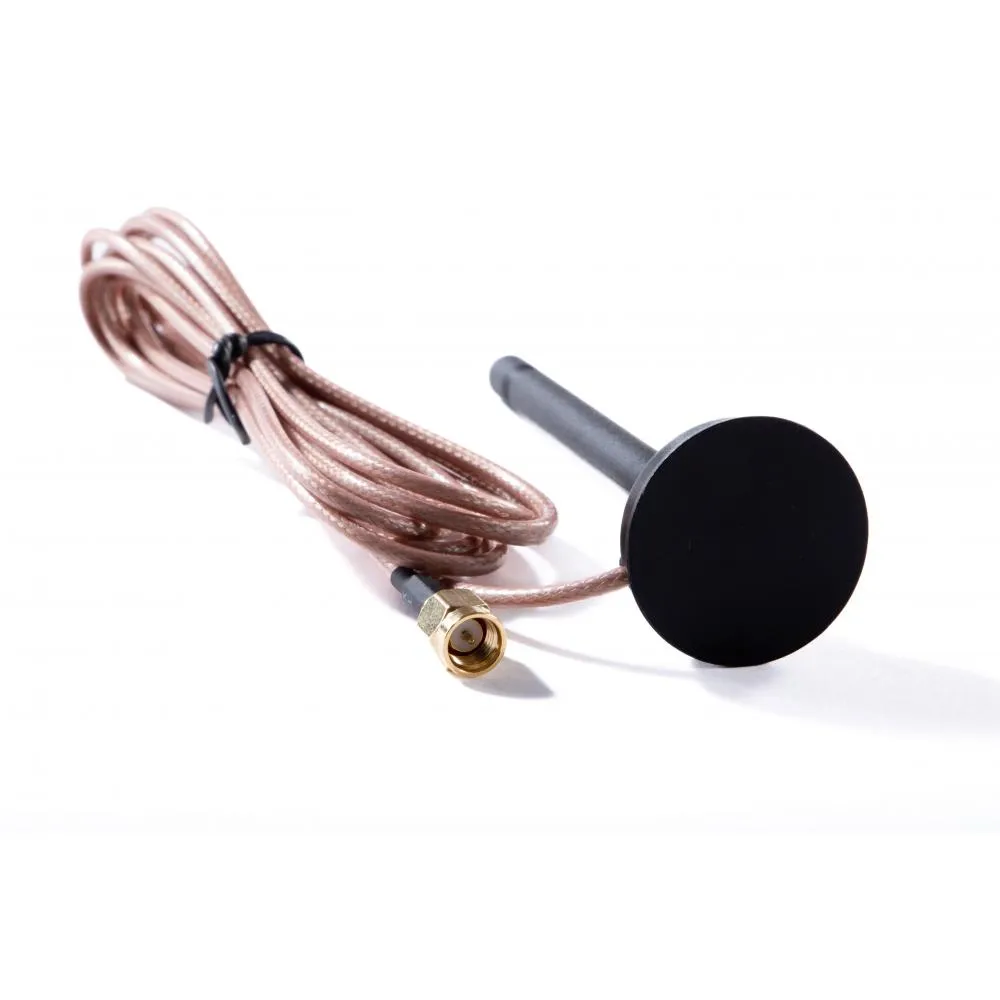
Description
Cellular Connectivity for SkyLink
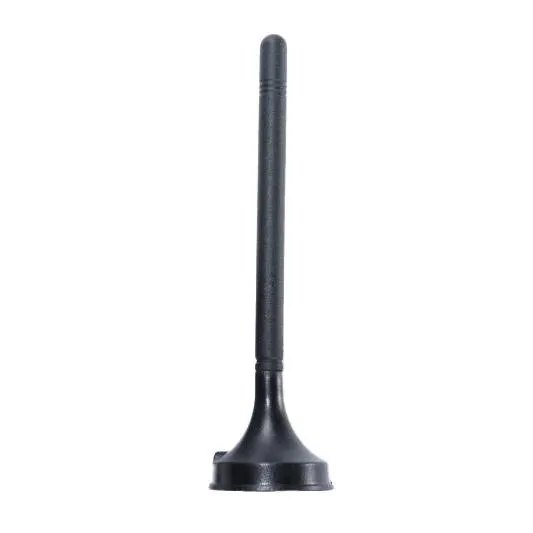
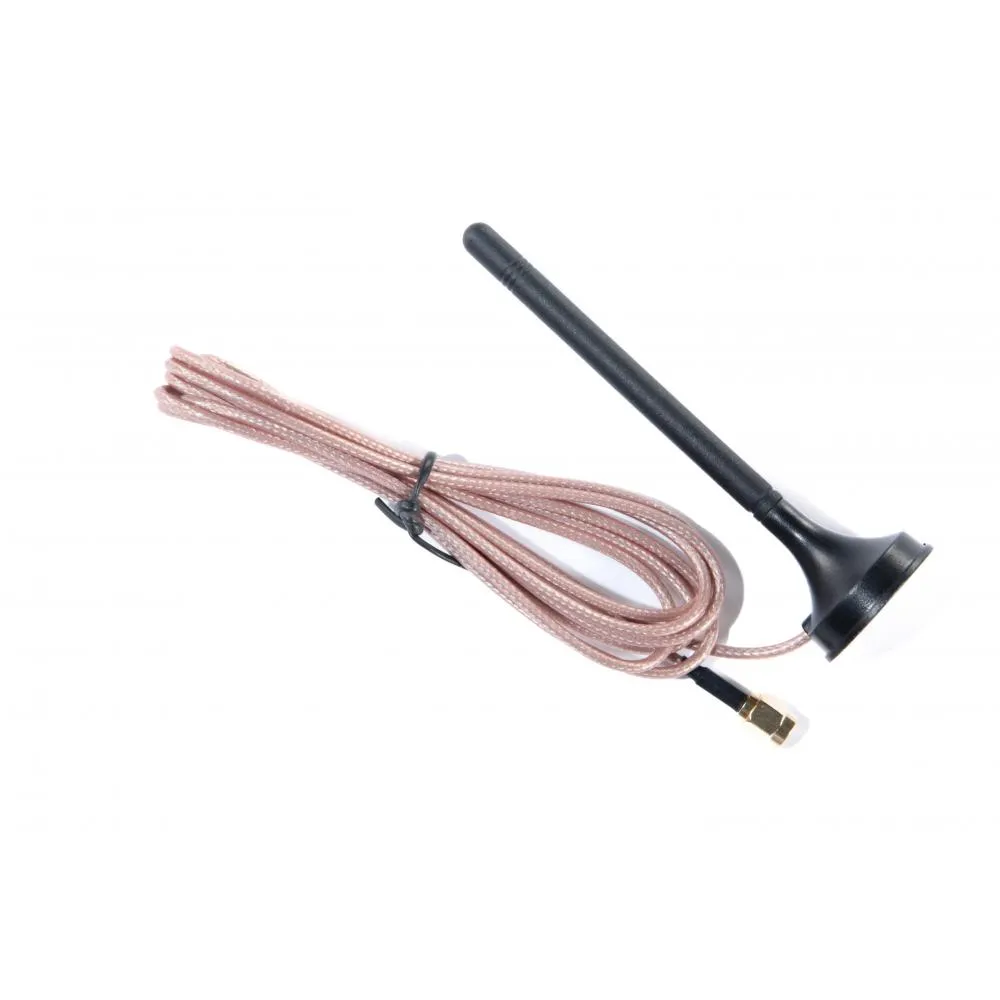
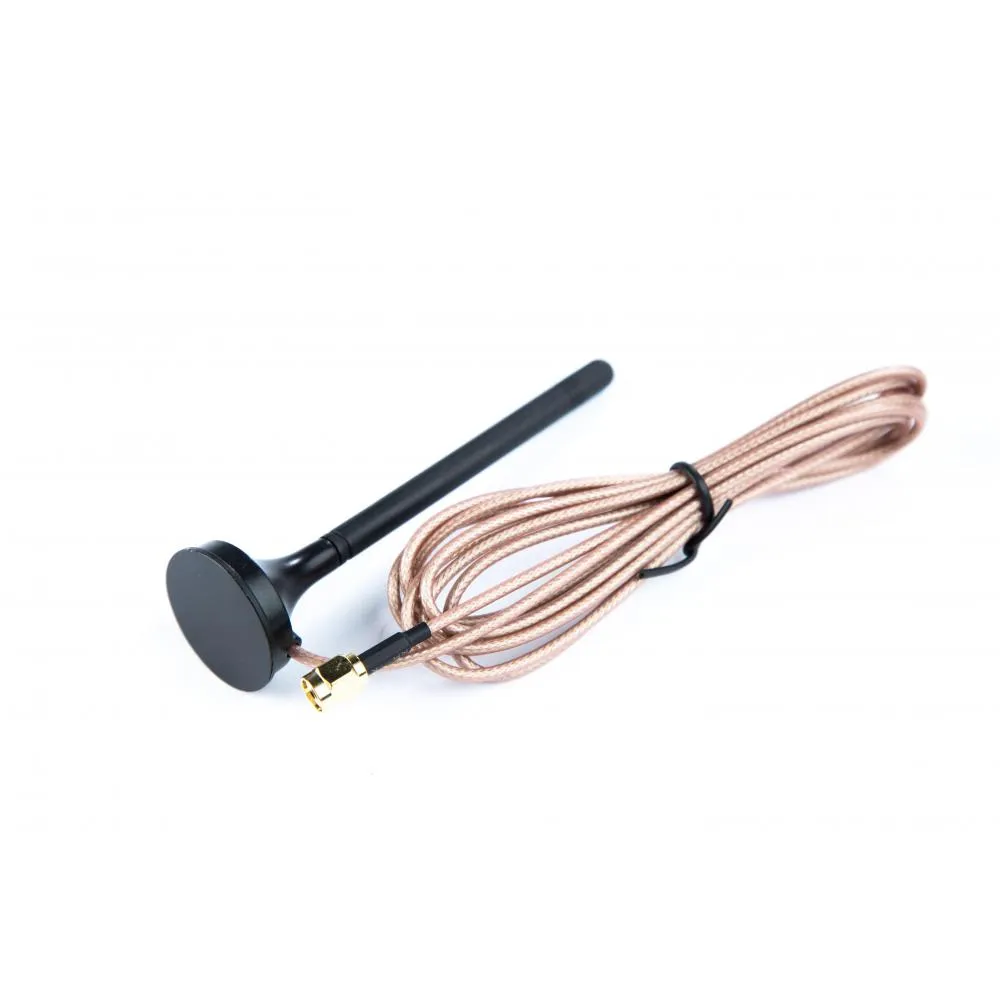
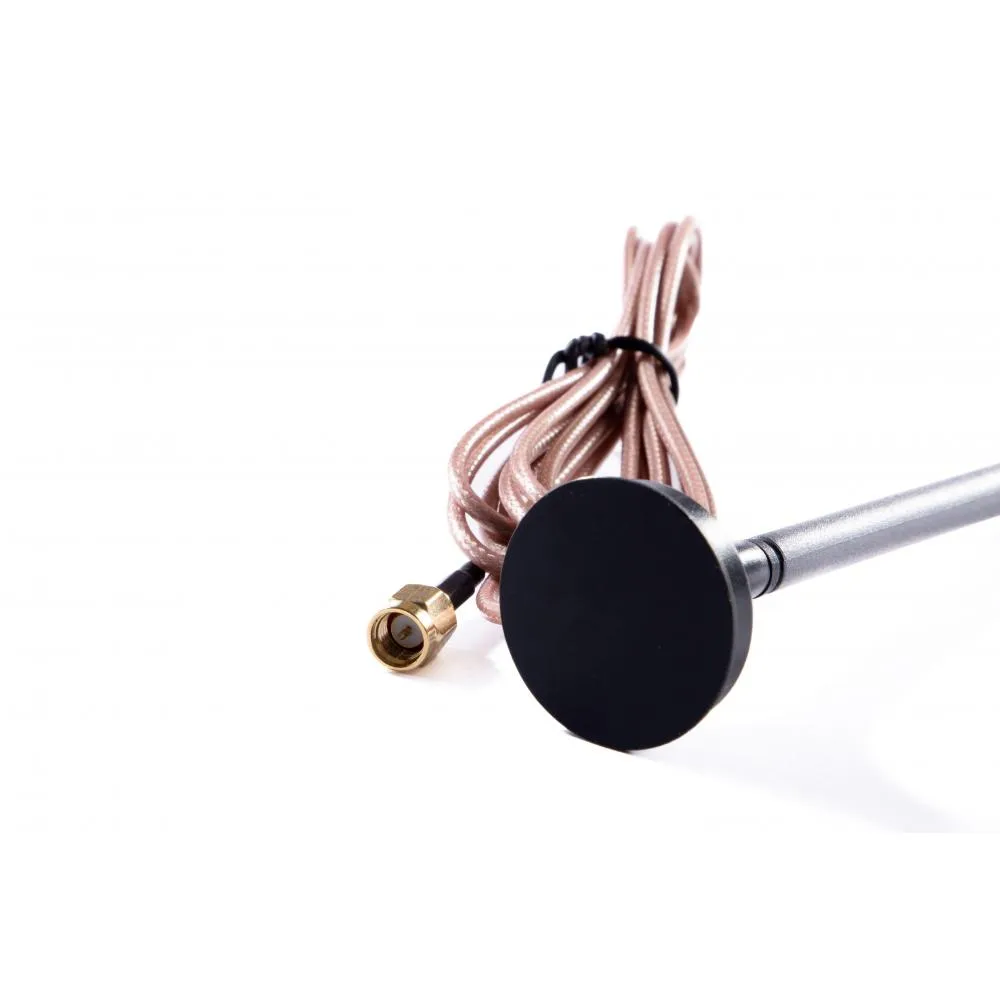
SkyLink combines Iridium Certus satellite connectivity with cellular service. This antenna supports the cellular side of the system, allowing the terminal to connect through LTE when a compatible network and active cellular service are available.
Actual cellular availability and performance depend on network coverage, the installed SIM, service configuration, and local signal conditions.
Direct Terminal Connection
The LTE antenna connects directly to the cellular antenna port on the top panel of the SkyLink terminal. The cellular connector is the port located closest to the terminal’s power-status indicator.
Because the antenna mounts directly to the terminal, it does not require a separate coaxial cable or remote antenna bracket.
Replacement or Spare Antenna
The antenna can replace an original SkyLink LTE antenna that has been lost or damaged. It can also be stored as a spare for fleets, field teams, and remote operations that rely on the terminal’s dual-mode cellular and satellite capabilities.
Technical Specifications
Included
- Blue Sky Network SkyLink LTE Antenna
Additional
- Product type: LTE terminal antenna
- Manufacturer: Blue Sky Network
- Manufacturer part number: YCN001AA
- Compatible system: Blue Sky Network SkyLink
- Installation location: Cellular antenna connector on the terminal’s top panel
- Intended use: Original replacement or spare antenna
Data Network
- Network type: LTE cellular
- Application: Cellular connectivity for compatible SkyLink terminals
- Operation: Used with an installed cellular SIM and active service
- Satellite connectivity: Provided separately through the SkyLink Iridium antenna
Interfaces
- Connection: Direct connection to the SkyLink cellular antenna port
- Installation: No separate antenna cable required
