


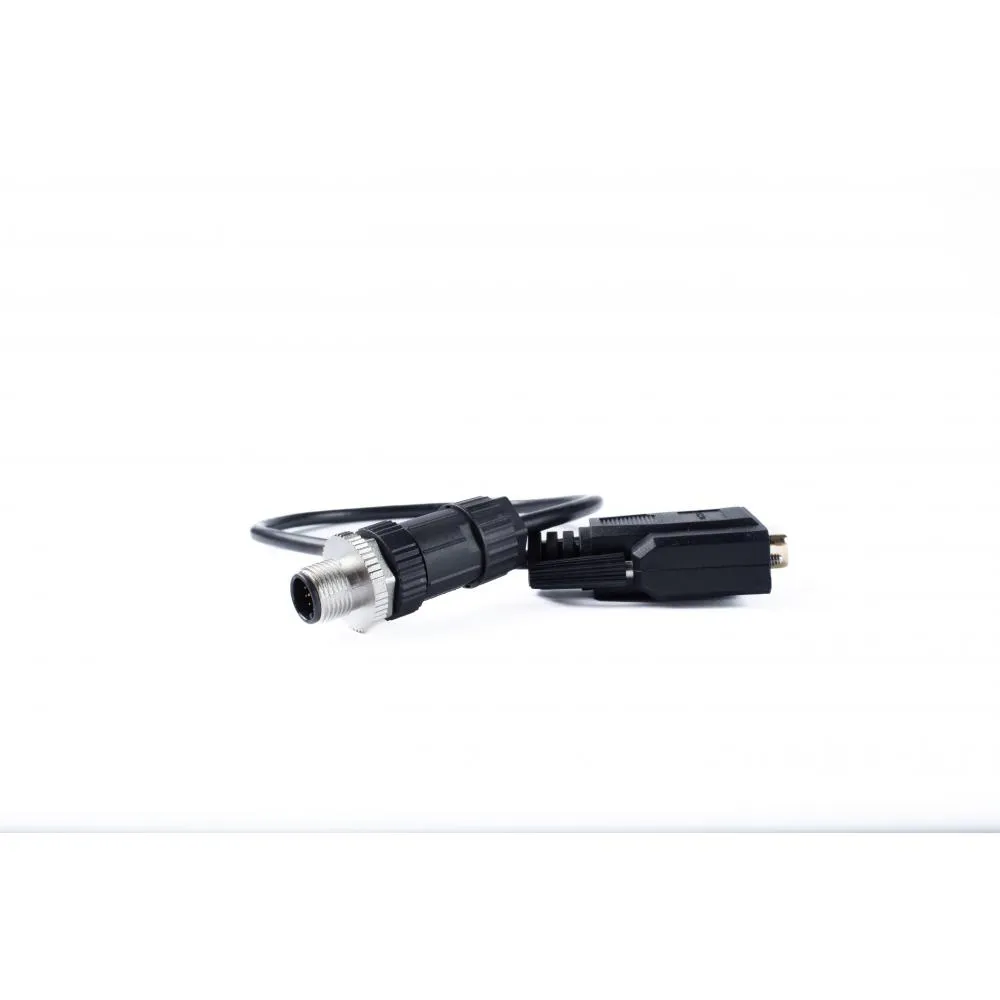
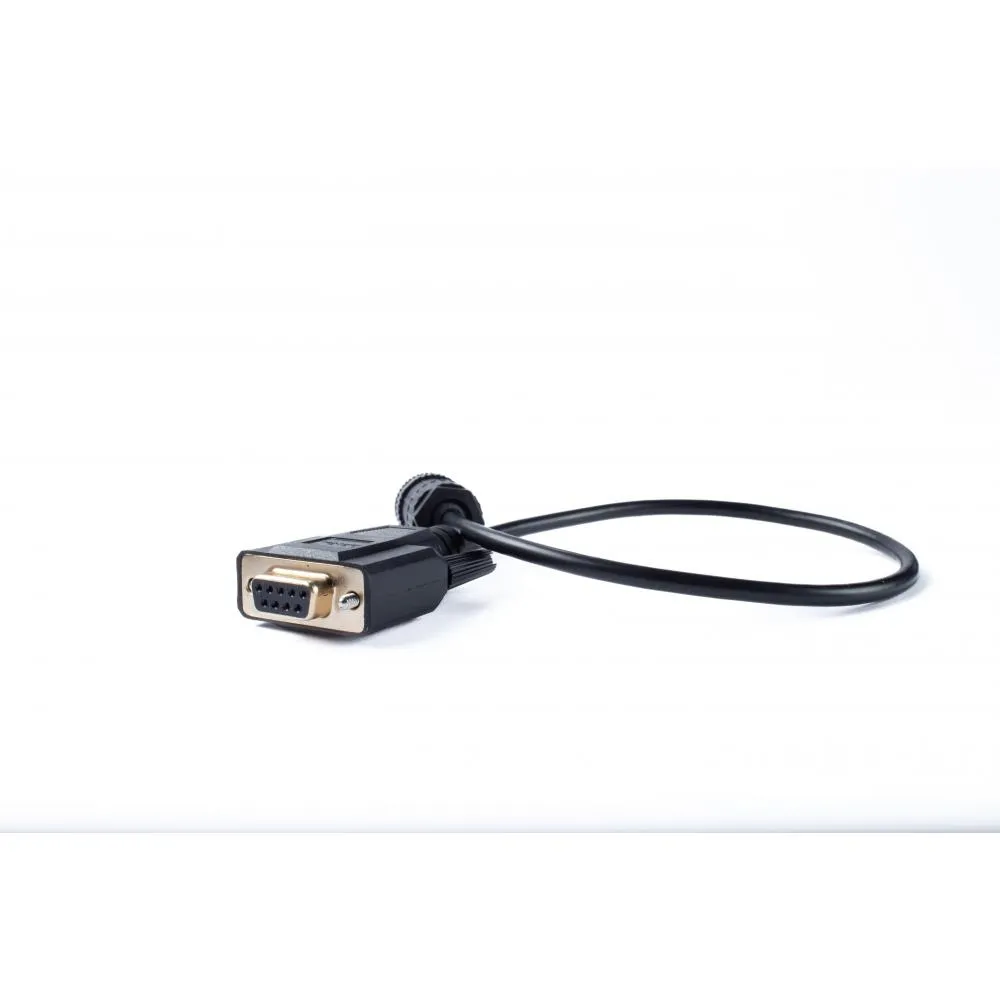
Blue Sky Skylink SkyWave USB to RS232 Adapter
Description
RS232 Equipment Integration
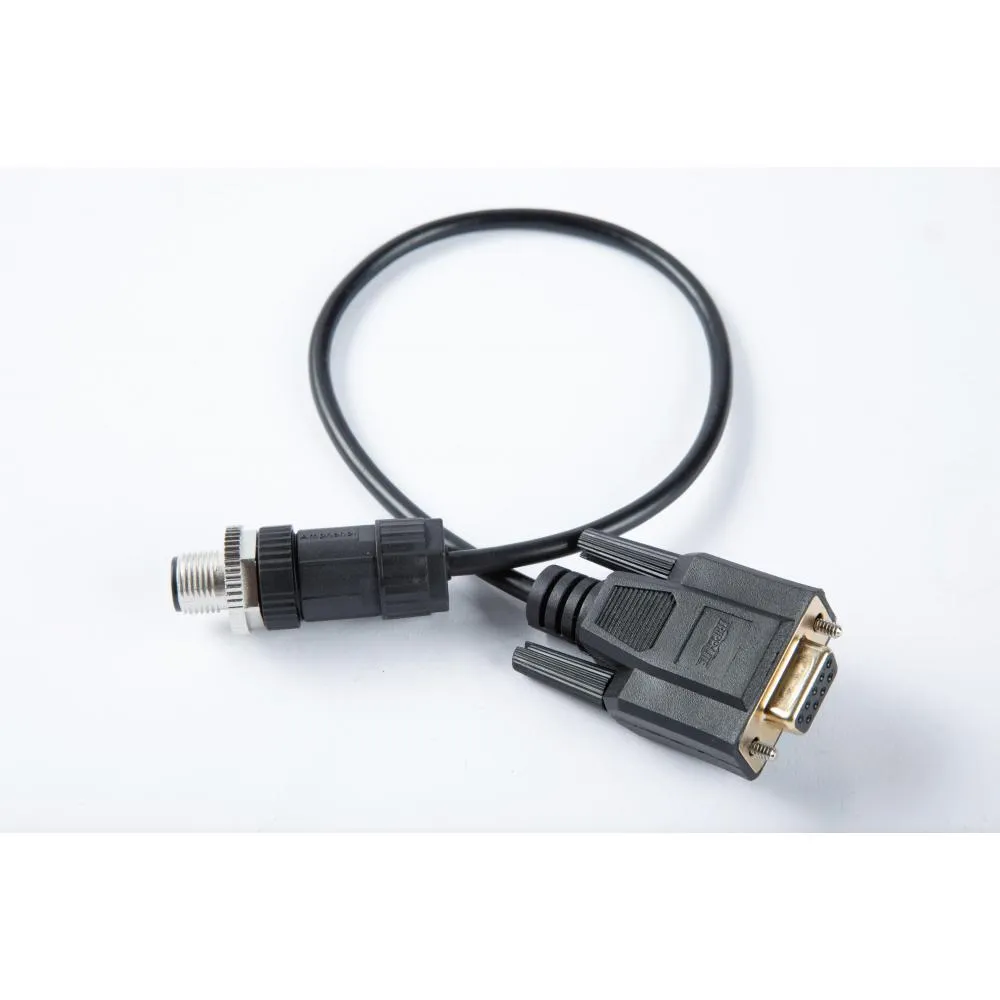
The adapter provides a wired serial interface for compatible equipment that communicates over RS232. It is intended for specialized vehicle, vessel, aviation, industrial, and remote-site installations where SkyLink must exchange information with an external device.
The data functions available depend on the connected equipment and the configuration of the SkyLink terminal.
Standard DB9 Interface
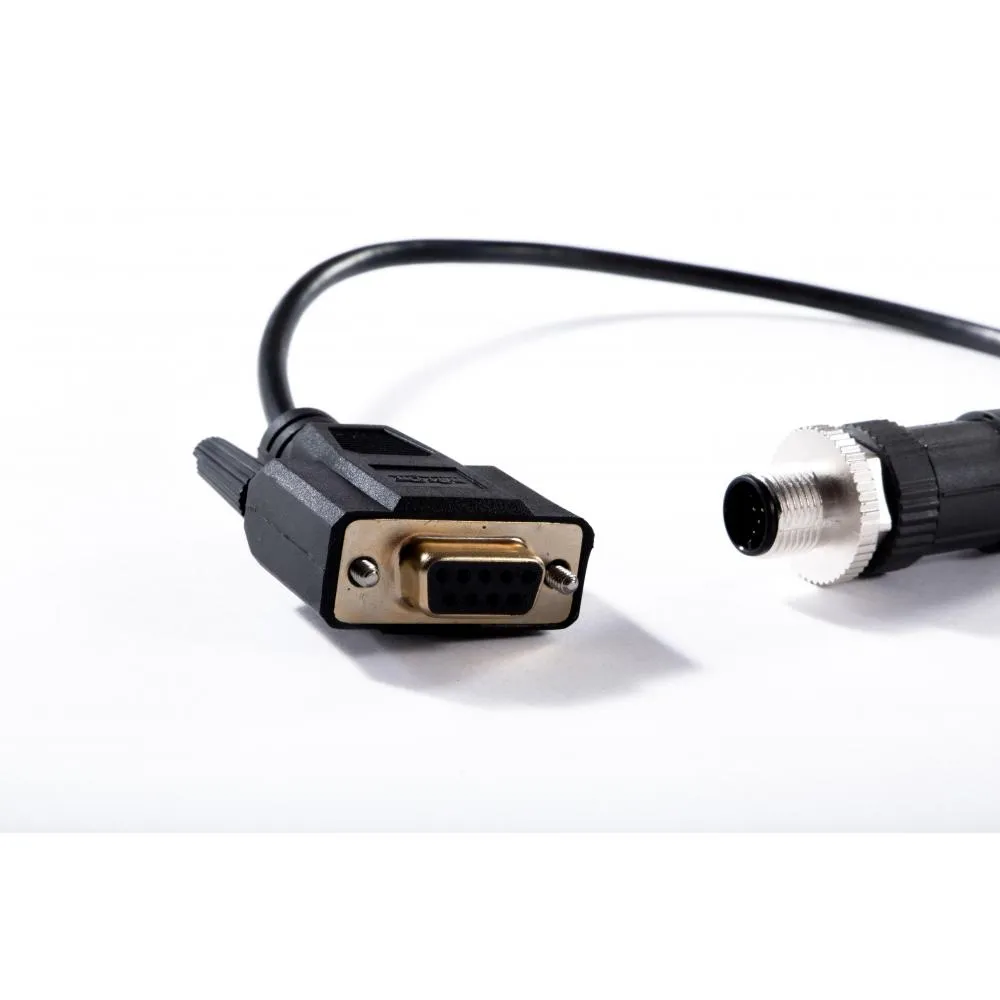
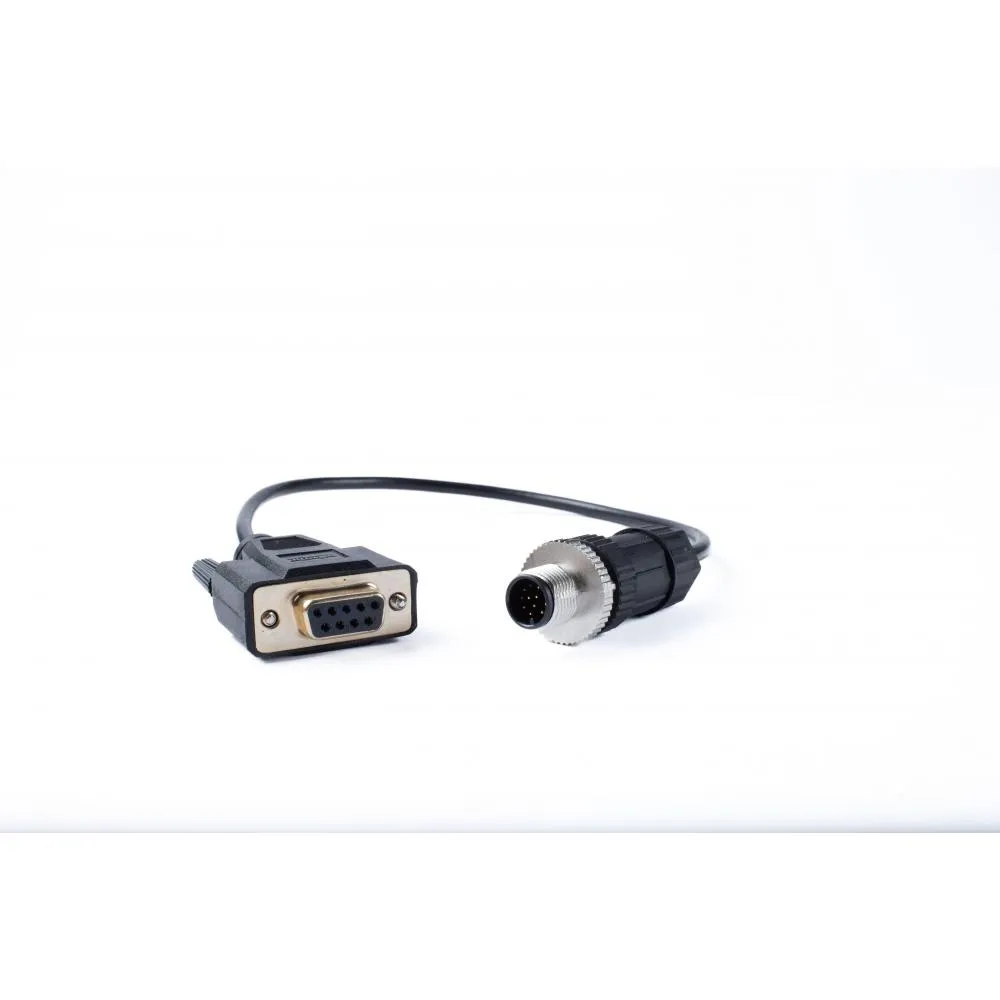
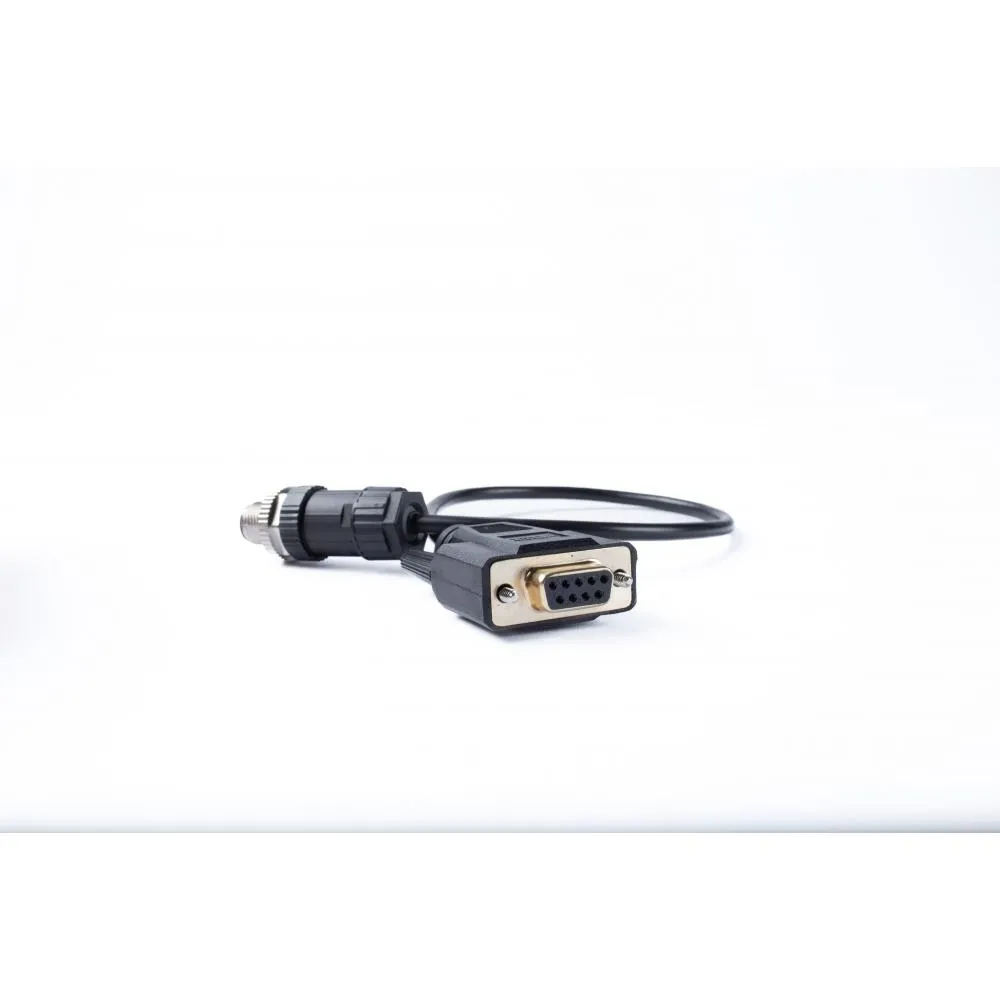
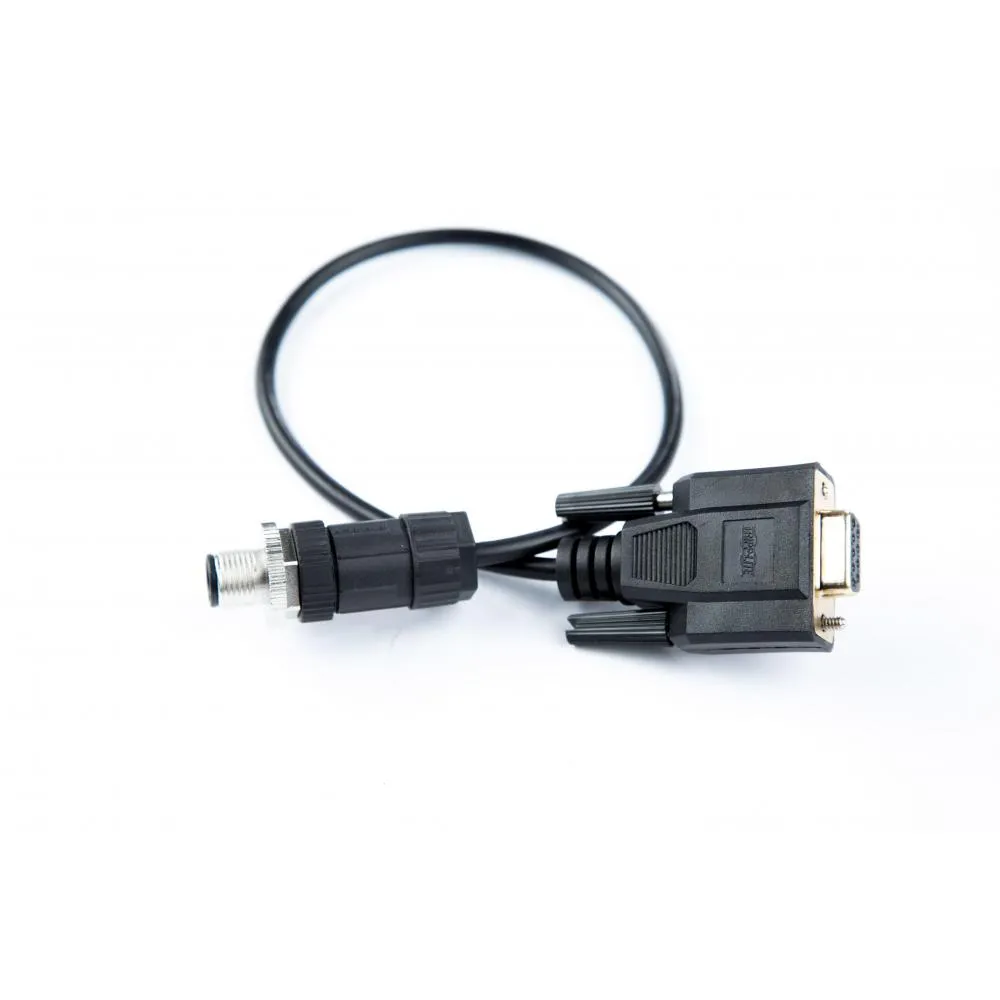
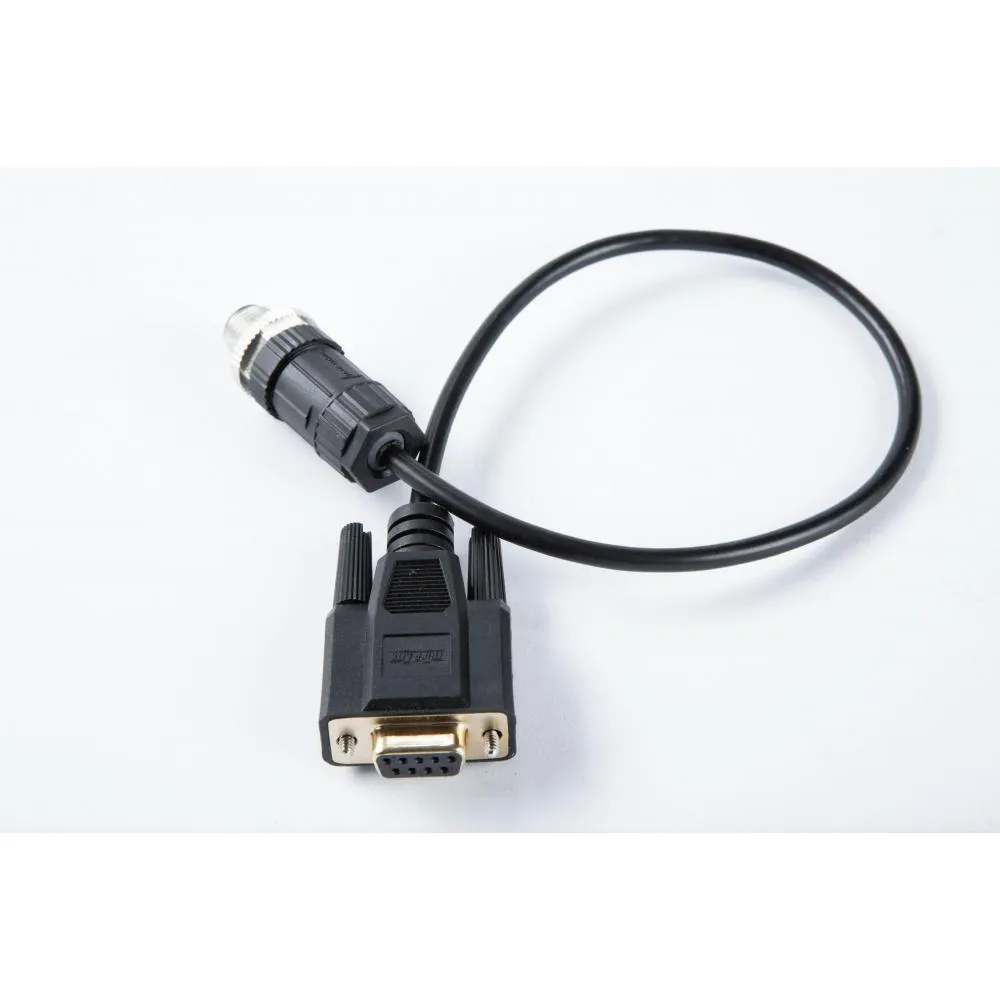
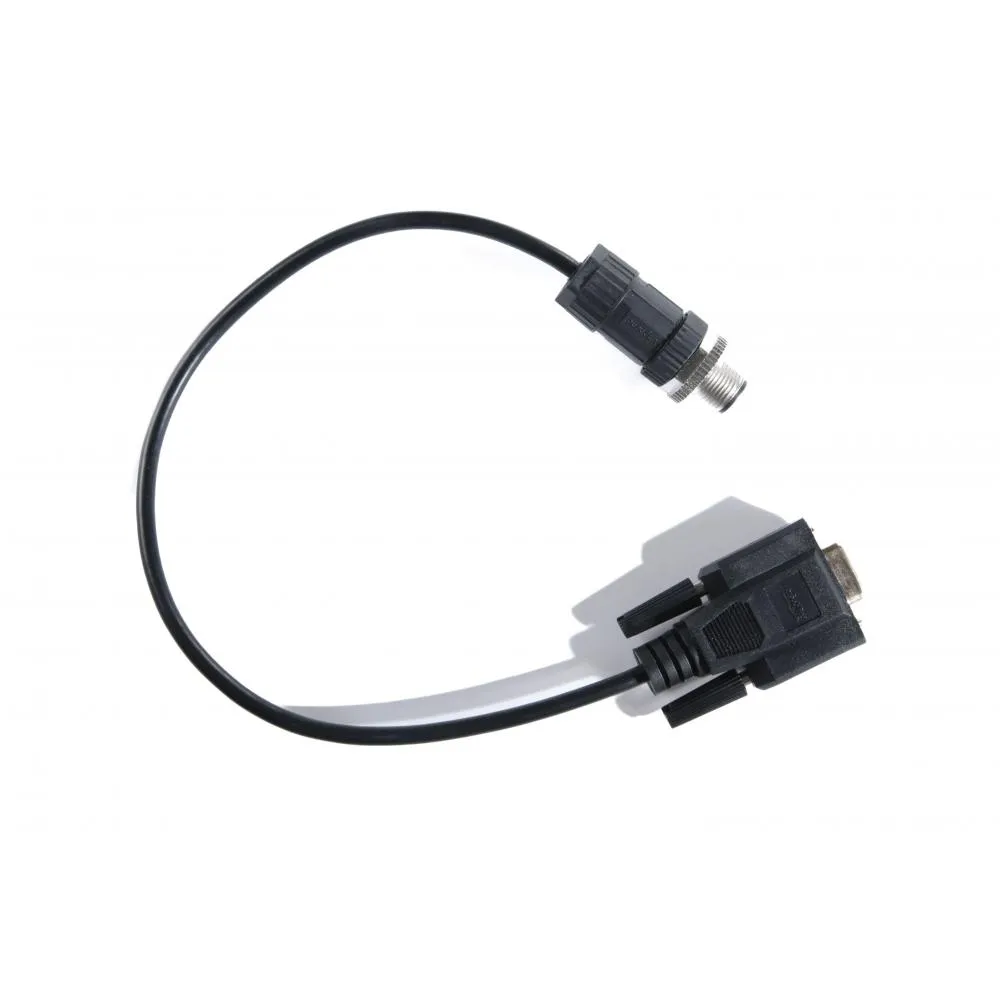
The equipment end uses a female nine-pin D-sub connector, commonly identified as DB9F. Its pin arrangement conforms to the standard RS232 DB9 pinout, simplifying connection to compatible serial hardware.
The external device’s communication speed, data format, and wiring requirements should be confirmed before installation.
Proprietary SkyLink Connection
Although the equipment side follows the standard RS232 pinout, the SkyLink cable assembly is proprietary to Blue Sky Network. A conventional computer USB-to-RS232 adapter should not be treated as a direct replacement.
Installation and Configuration
The adapter should be connected with the SkyLink terminal powered down. After installation, the terminal and attached serial device must be configured with compatible communication settings.
Cable routing should avoid sharp edges, excessive heat, moving components, and locations where the connectors may be pulled or crushed.
Technical Specifications
Included
- Blue Sky Network SkyLink USB-to-RS232 Adapter
Additional
- Product type: USB-to-RS232 serial adapter
- Manufacturer: Blue Sky Network
- Manufacturer part number: SL100-RS232
- Compatible system: Blue Sky Network SkyLink
- Cable type: Proprietary SkyLink accessory
- Application: Connecting compatible serial equipment to a SkyLink terminal
- Device configuration: May be required based on the connected equipment
Interfaces
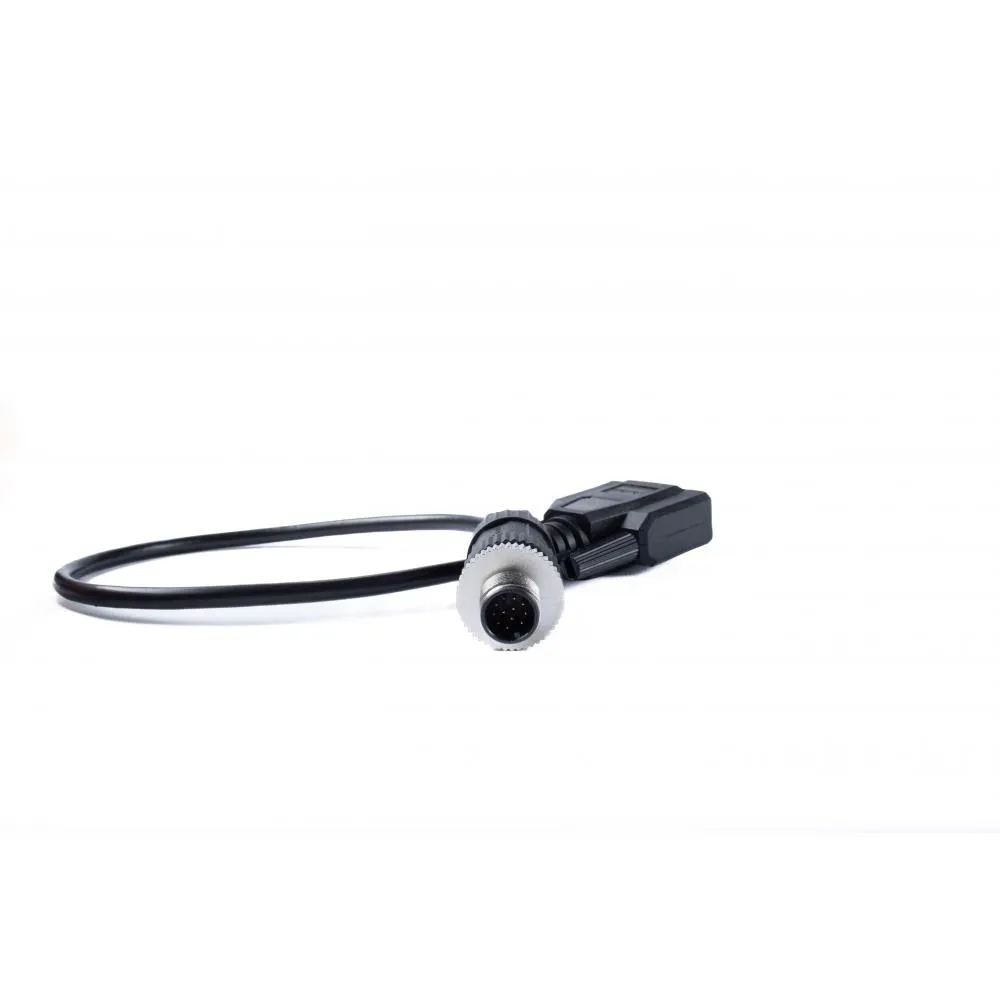
- Terminal-side interface: SkyLink USB accessory connection
- External-device interface: RS232
- Serial connector: Female DB9
- Pin configuration: Standard RS232 DB9 pinout
